Tool
Aspectizer
Effortless image resizing with presets, custom dimensions, and batch processing for developers and designers.

Screenshots
Scroll to view more
Project details
Aspectizer
Cross-platform asset resizing and image conversion studio for developers, designers, and creators who need fast, accurate, metadata-safe exports.


Overview
Aspectizer is built for developers and designers who repeatedly prepare multi-resolution image assets for stores, launchers, splash screens, and production pipelines.
Instead of manually resizing the same image dozens of times, Aspectizer transforms a single high-quality source file into a complete, platform-ready output kit with consistent naming, accurate dimensions, and optional ZIP packaging.
All processing happens locally on device. No uploads. No analytics. No tracking.
Core Features
Batch Image Converter
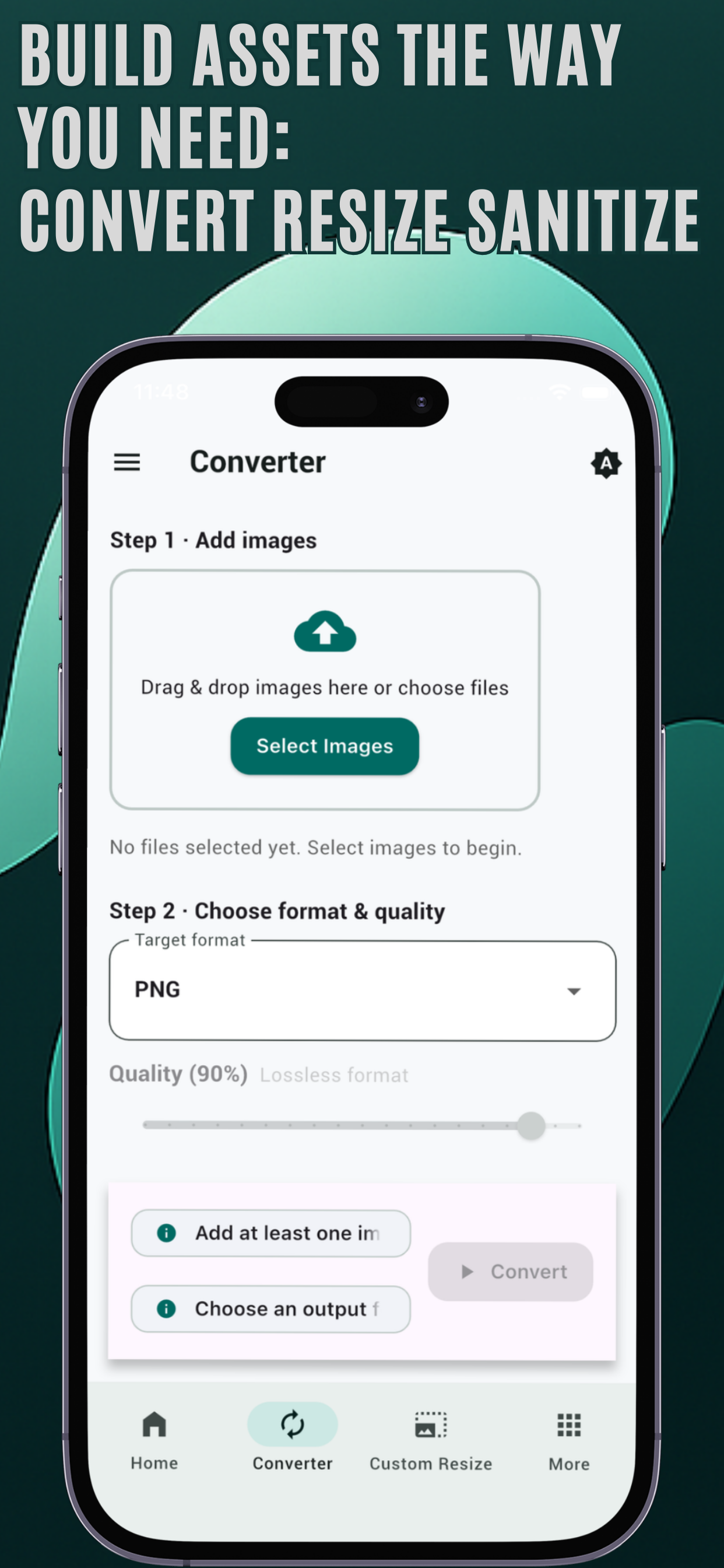
Convert images to PNG, JPEG, or WEBP with full control over output quality and metadata retention.
- Live before / after preview slider
- Multi-file queue support
- Custom output folder selection
- Optional ZIP packaging
Multi-Platform Asset Resizing
Generate correctly sized assets for launchers, store listings, splash screens, and engine-ready outputs.
- Predefined dimension sets
- Consistent naming structures
- Platform-ready export mapping
- One source → full asset kit
Covers & Splash Generator
Export storefront covers, hero images, and presentation graphics with correct aspect ratios.
- Live 16:9 preview framing
- Accurate composition validation
- Production-ready dimensions
Custom Resize (Single & Batch)
Define exact pixel dimensions with advanced layout control.
- Fit / Fill behavior
- Aspect ratio cropping
- Custom padding color
- Per-size output format selection
- Preset saving for recurring workflows
Metadata Inspector & Sanitization
Inspect and manage image metadata with fine-grained control.
- View EXIF, IPTC, XMP, ICC
- Edit timestamps and author fields
- Remove selected metadata fields
- Full metadata strip option
- Export sanitized copy without modifying original
ZIP Packaging for Delivery
Bundle all generated outputs into a structured ZIP archive for handoff to clients, CI pipelines, or build systems.
Related learning resources
Dynamic links connected by project tags, technology, platform, category, or manual relationships.
Related blog posts
A practical developer perspective on why C++ still feels more direct, predictable, and productive than Rust for game development, tools, engines, and low-level systems work.
Next step
Use the available project links or continue into related Rambod Dev learning content.