Tutorial collection
Unreal Engine 5 Enemy AI Series – Beginner Blueprint Tutorials
Build enemy AI in Unreal Engine 5 with Blueprints, including perception, pathfinding, chasing, and distractions. Great for beginners who want practical, reusable UE5 AI systems.
Ordered lessons
Follow the learning path
-
1
 Continue learning
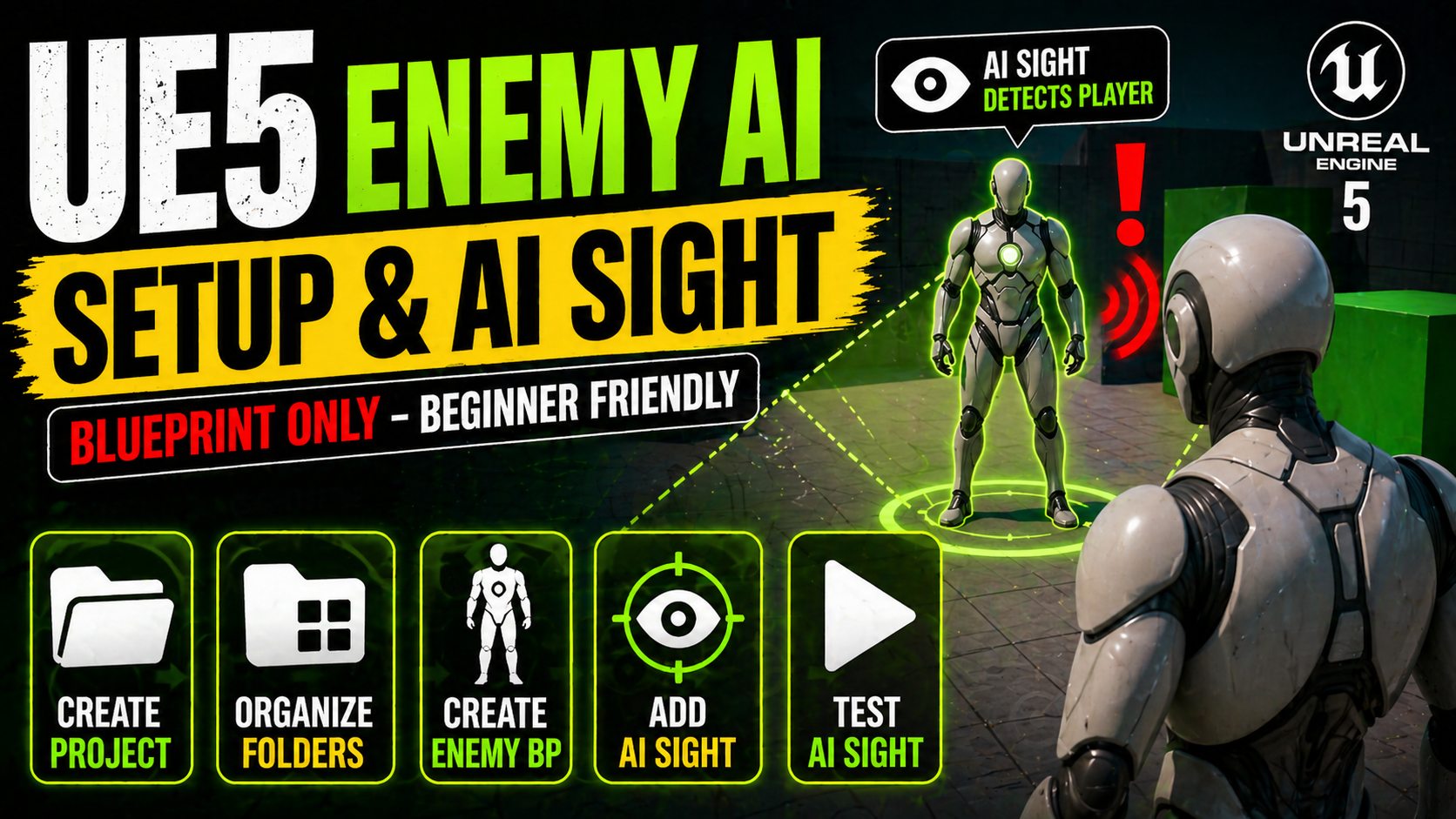
UE5 Enemy AI Setup with Sight
Part 1 of the Enemy AI Series in UE5. Learn to set up a new project, organize folders, and create your first enemy character with AI Sight using only Blueprints—no C++ required.
-
2
 Continue learning
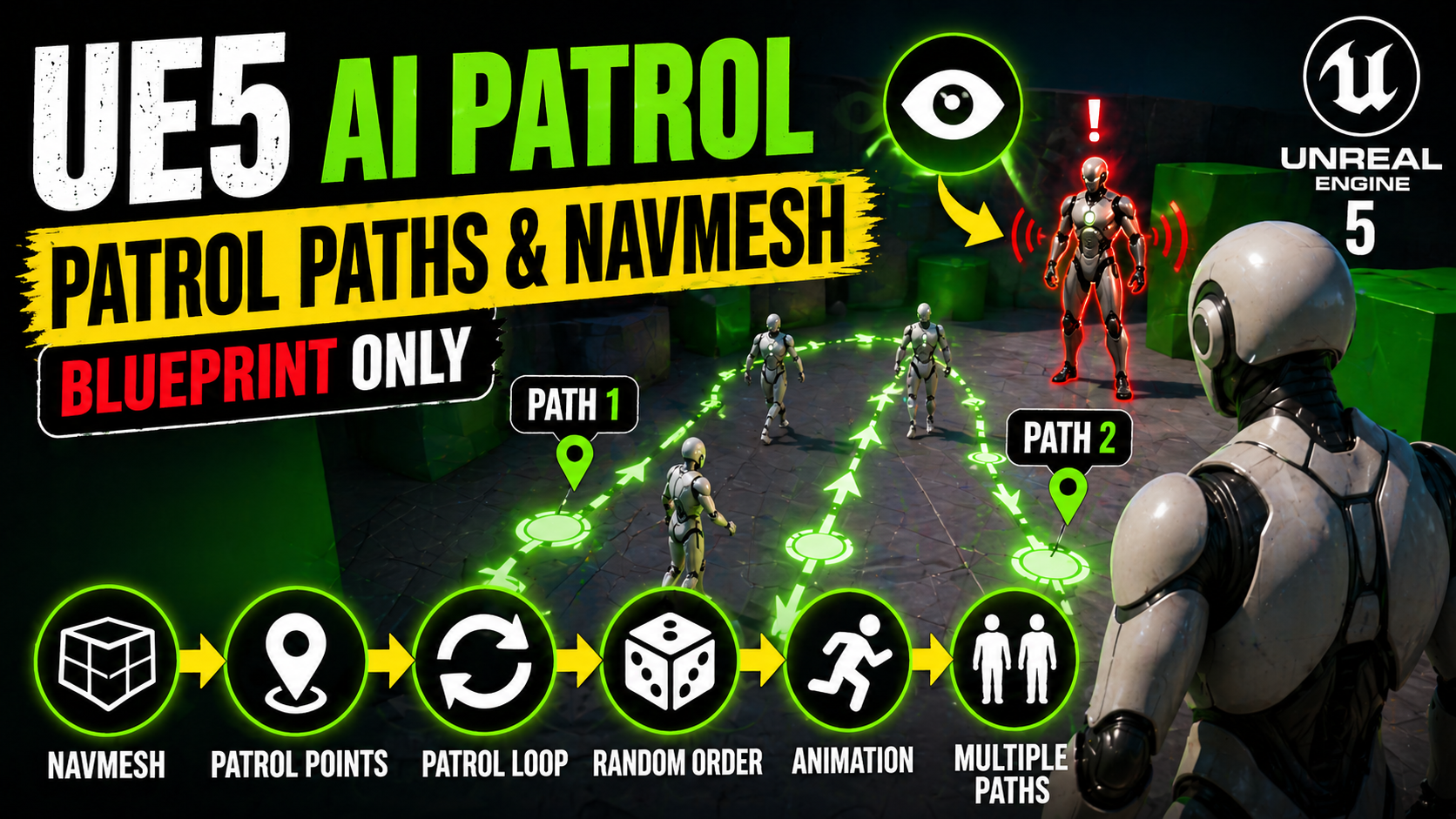
UE5 AI Patrol Paths and NavMesh
Learn how to build Blueprint-only enemy patrol AI in UE5 using NavMesh, tagged Target Points, random patrol selection, instance-editable path tags, and a clean fix for sliding animations.
-
3
 Continue learning
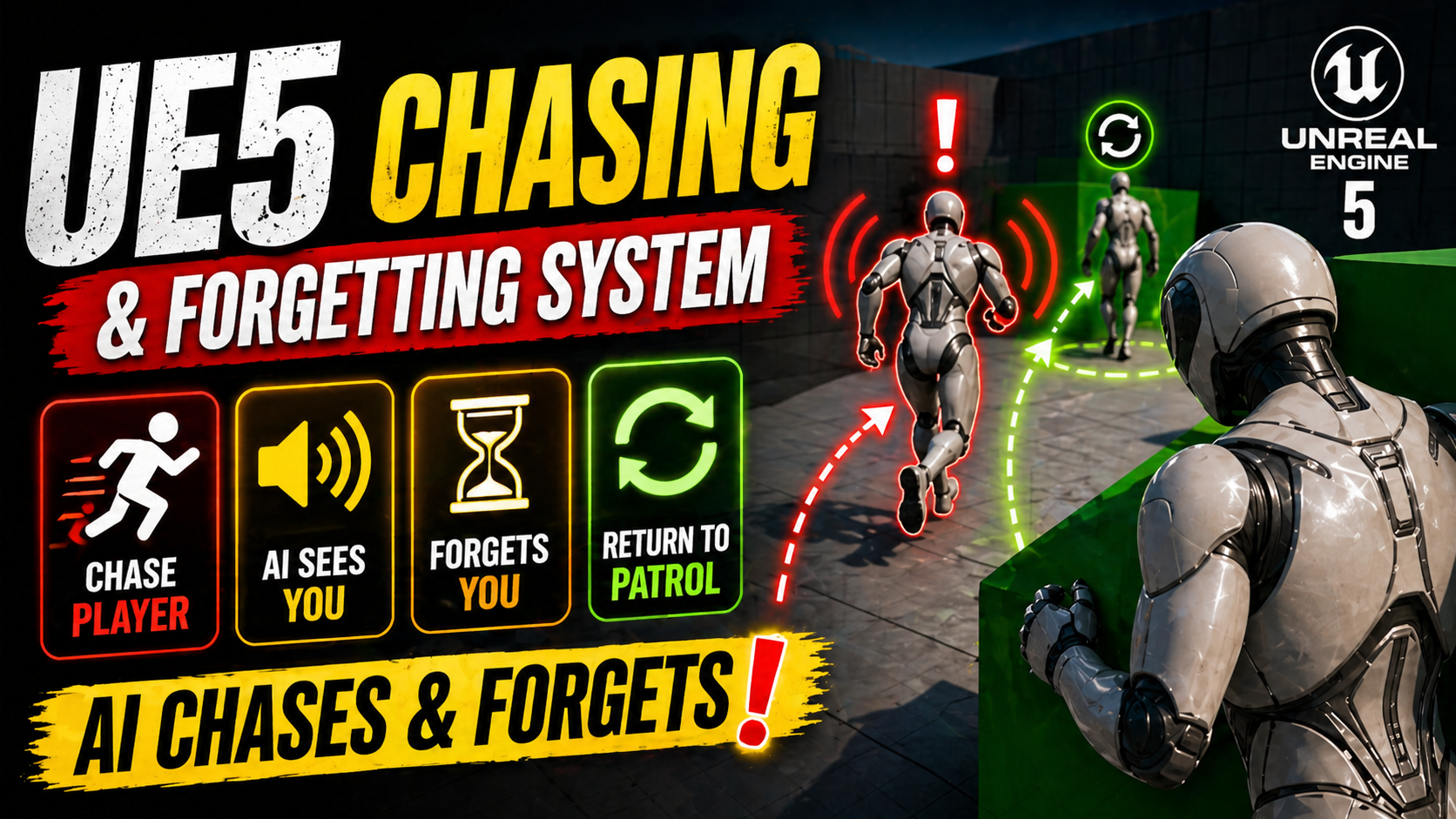
UE5 AI Chase and Forget System
Build a smarter enemy in UE5 Blueprints that detects the player with AI Sight, chases at a faster speed, then forgets the target after a delay and returns to patrol.
-
4
 Continue learning
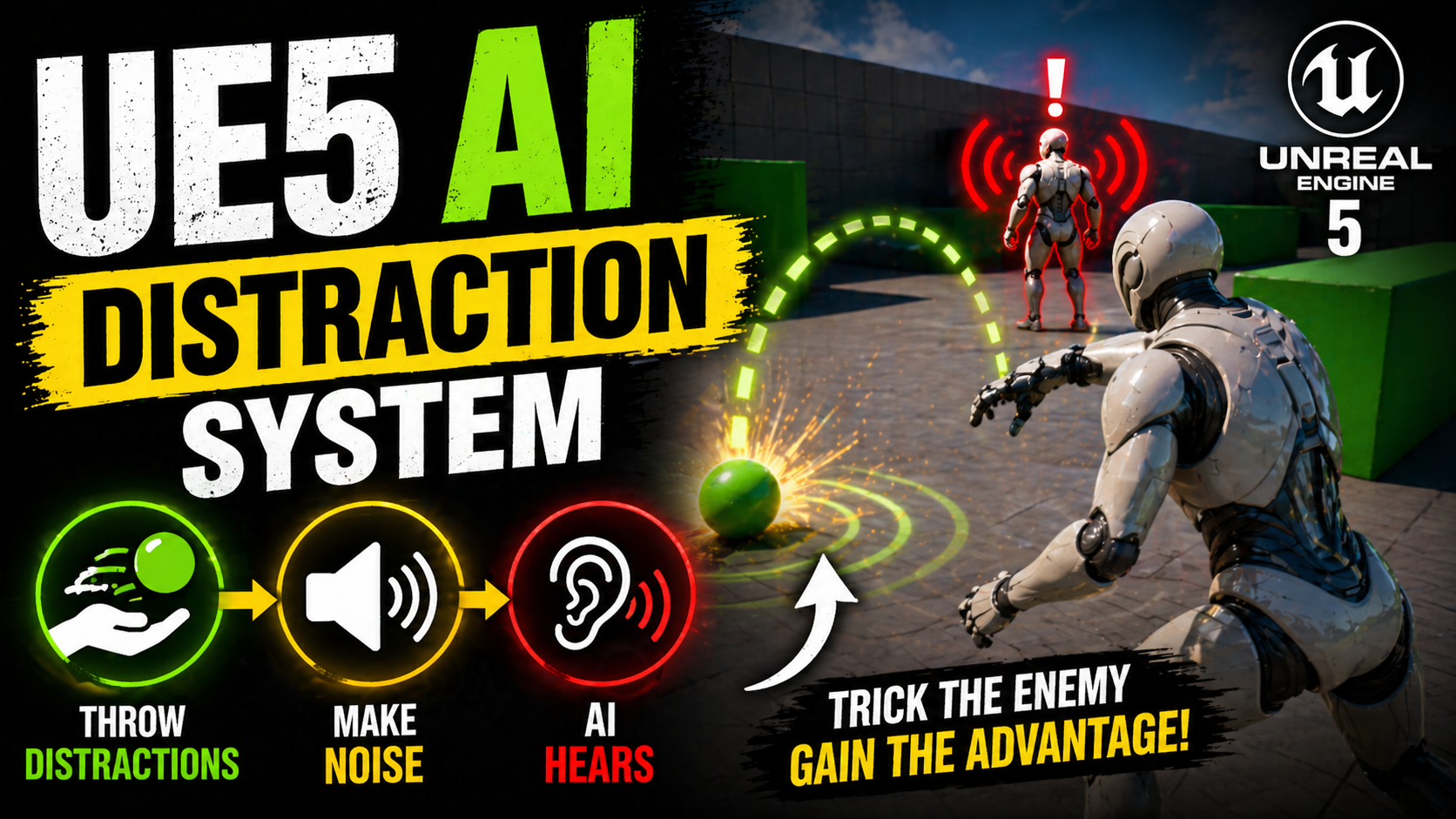
UE5 AI Distraction System with Hearing
Build a Blueprint distraction system in UE5 where a throwable object reports noise, enemy AI hears it through AI Perception, investigates the sound, and later forgets it.
-
5
 Continue learning
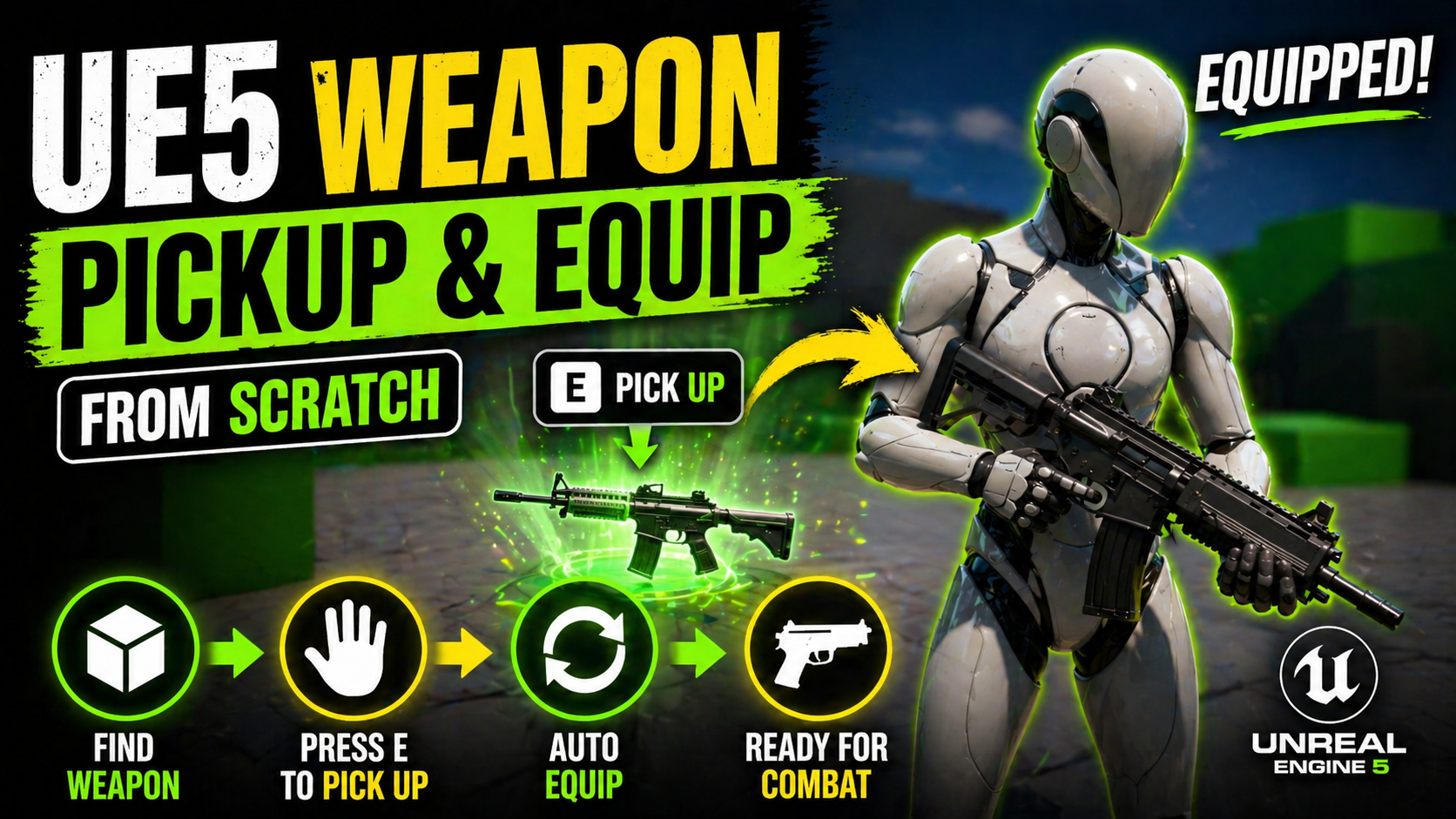
UE5 Weapon Pickup System
Create a Blueprint weapon pickup and equip system in UE5 with a rifle mesh, pickup prompt, overlap detection, Enhanced Input, and an armed state.
-
6
 Continue learning
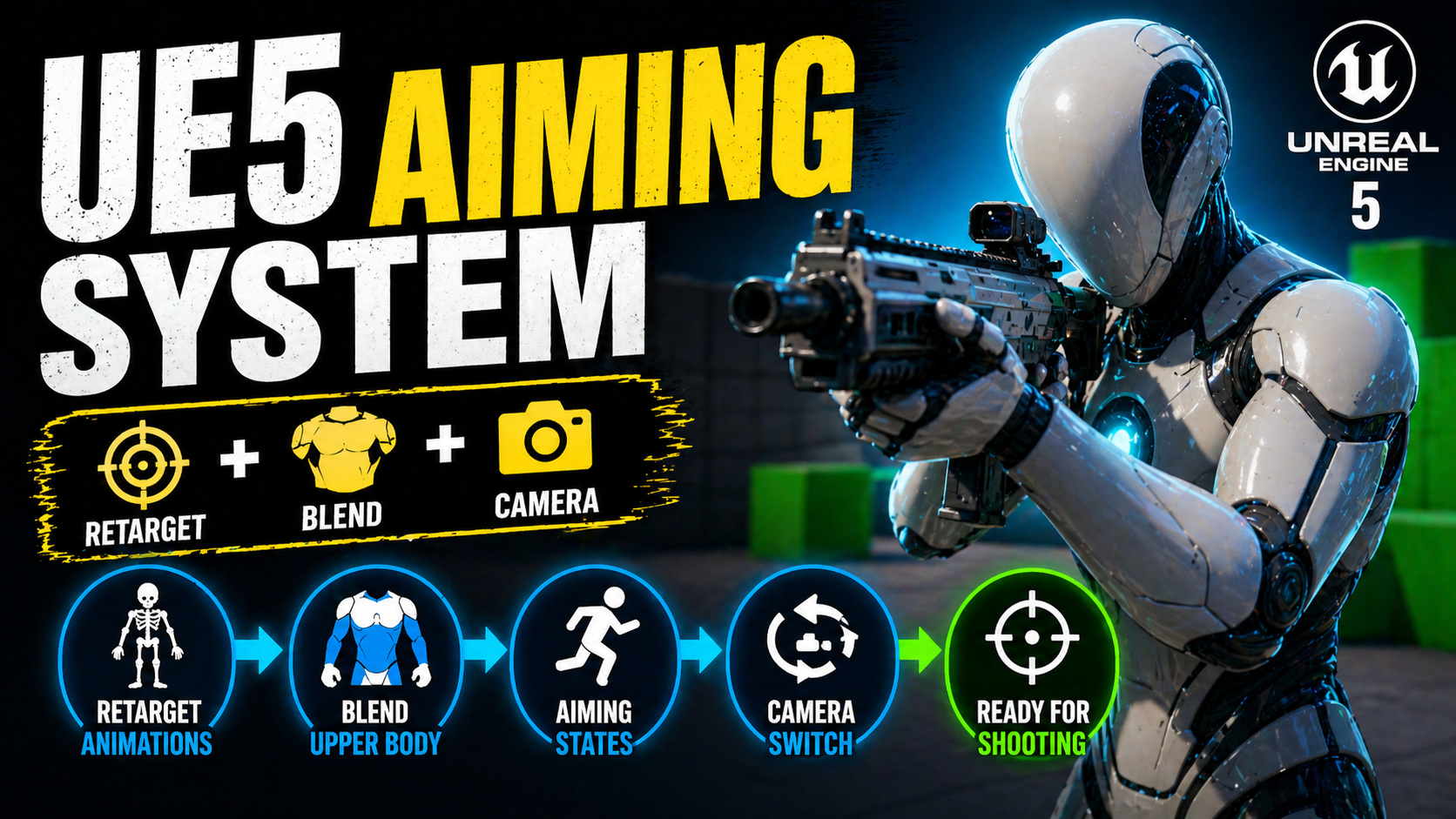
UE5 Weapon Aiming System
Build a Blueprint aiming system for a UE5 weapon setup with retargeted animations, aiming states, upper body blending, transition rules, and shoulder camera switching.
-
7
 Continue learning
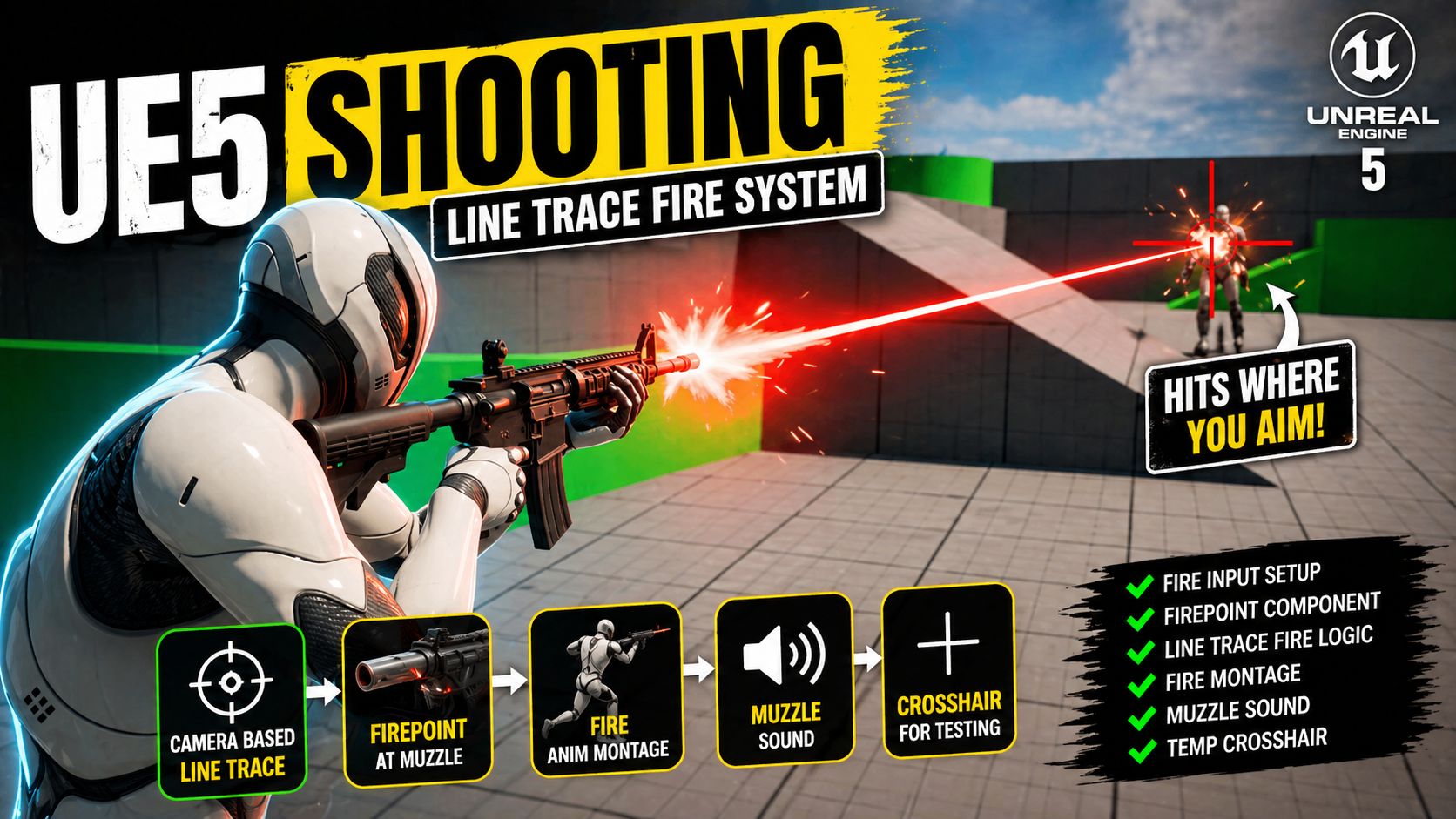
UE5 Line Trace Shooting
Build a Blueprint line trace shooting system in UE5 with fire input, FirePoint muzzle setup, firing montage playback, camera-based tracing, sound, and a temporary crosshair.
-
8
 Continue learning
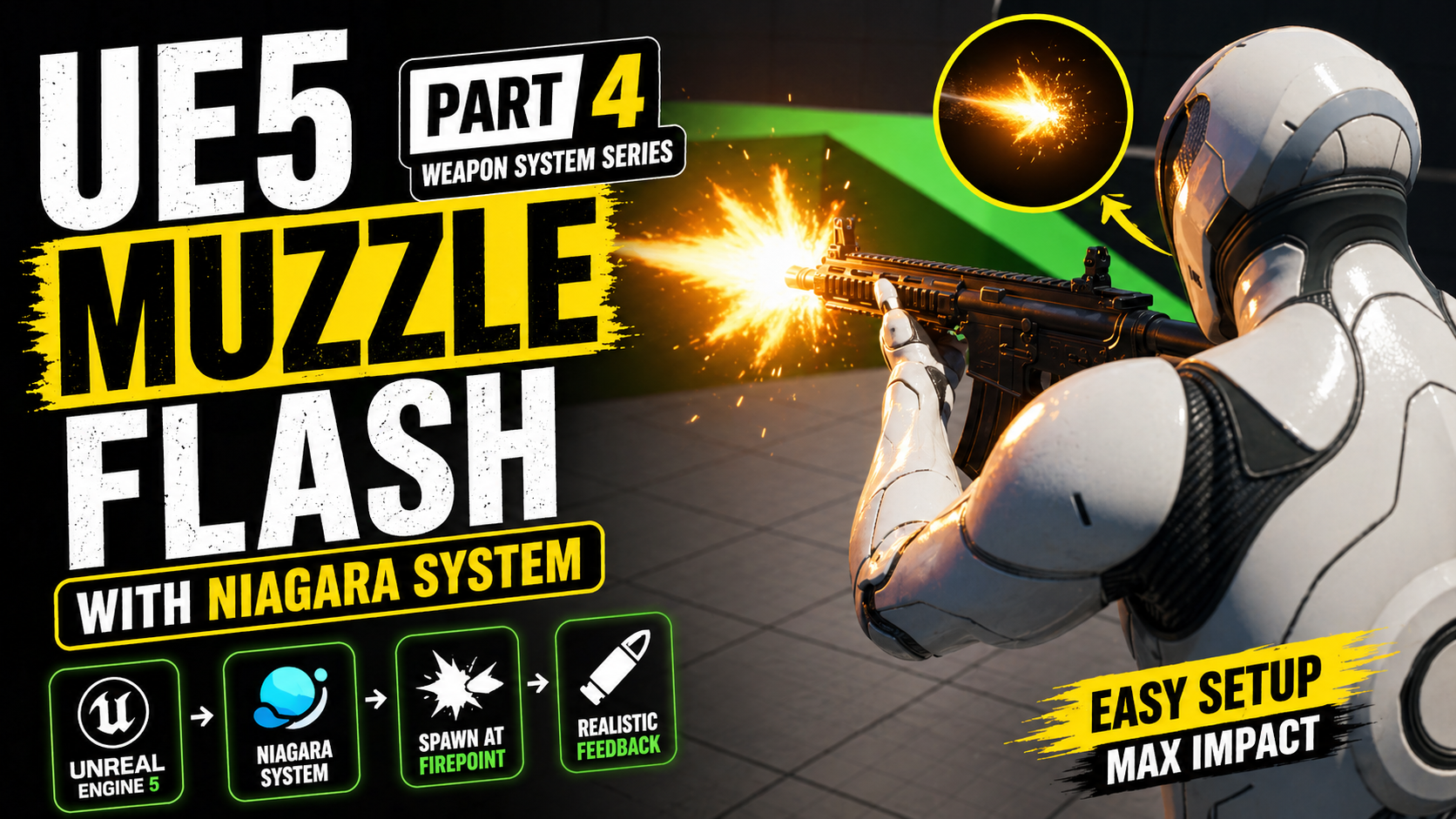
UE5 Weapon System Muzzle Flash with Niagara
Learn how to add a clean Niagara muzzle flash to your UE5 weapon system by importing a free effect, fixing its loop settings, and spawning it from the FirePoint during firing.
-
9
 Continue learning
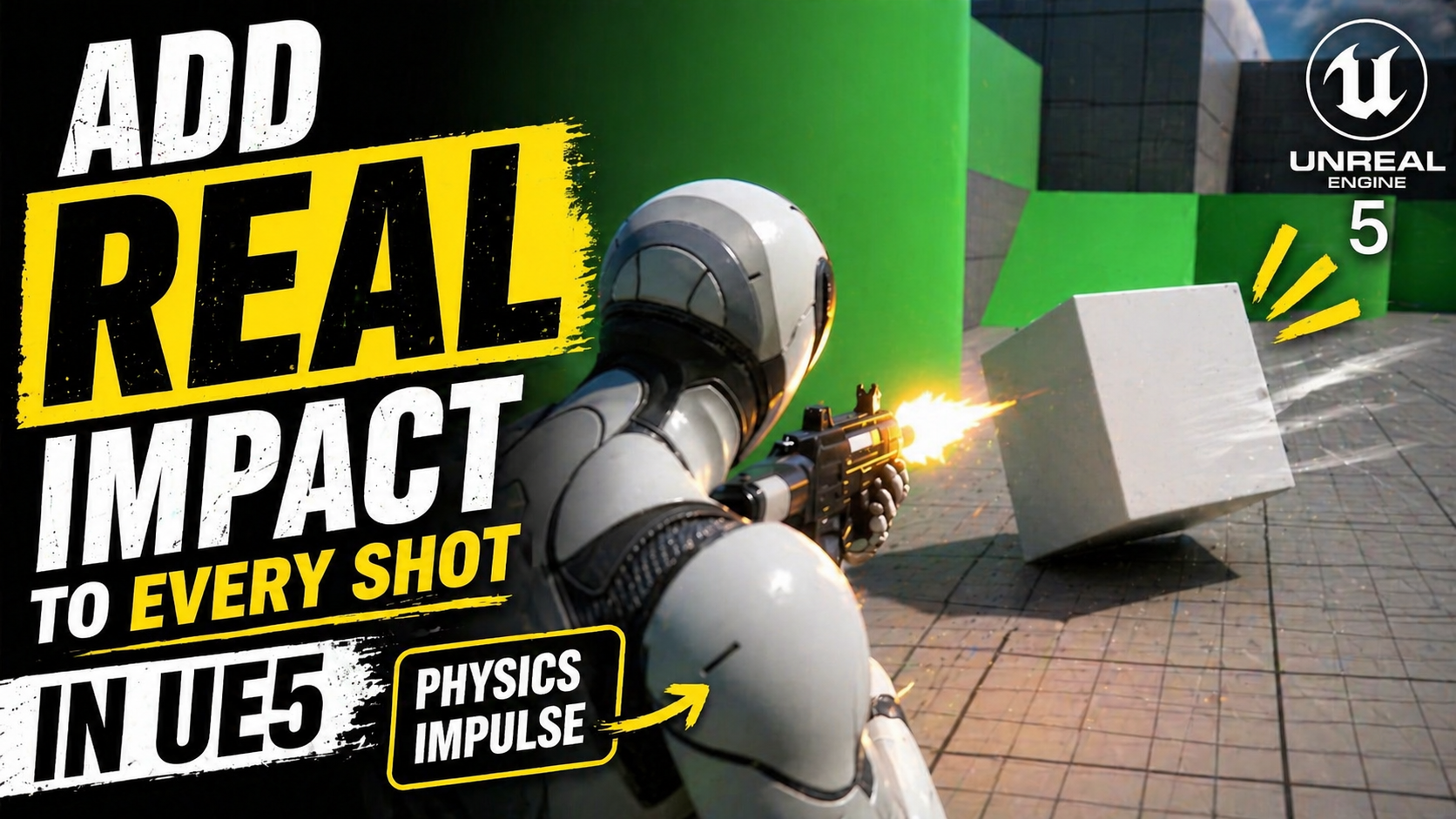
UE5 Physics Impulse on Shot Impact
Learn how to add physics impulse to weapon hits in UE5 by detecting valid hit components, checking physics simulation, and applying directional force at the impact point.
-
10
 Continue learning
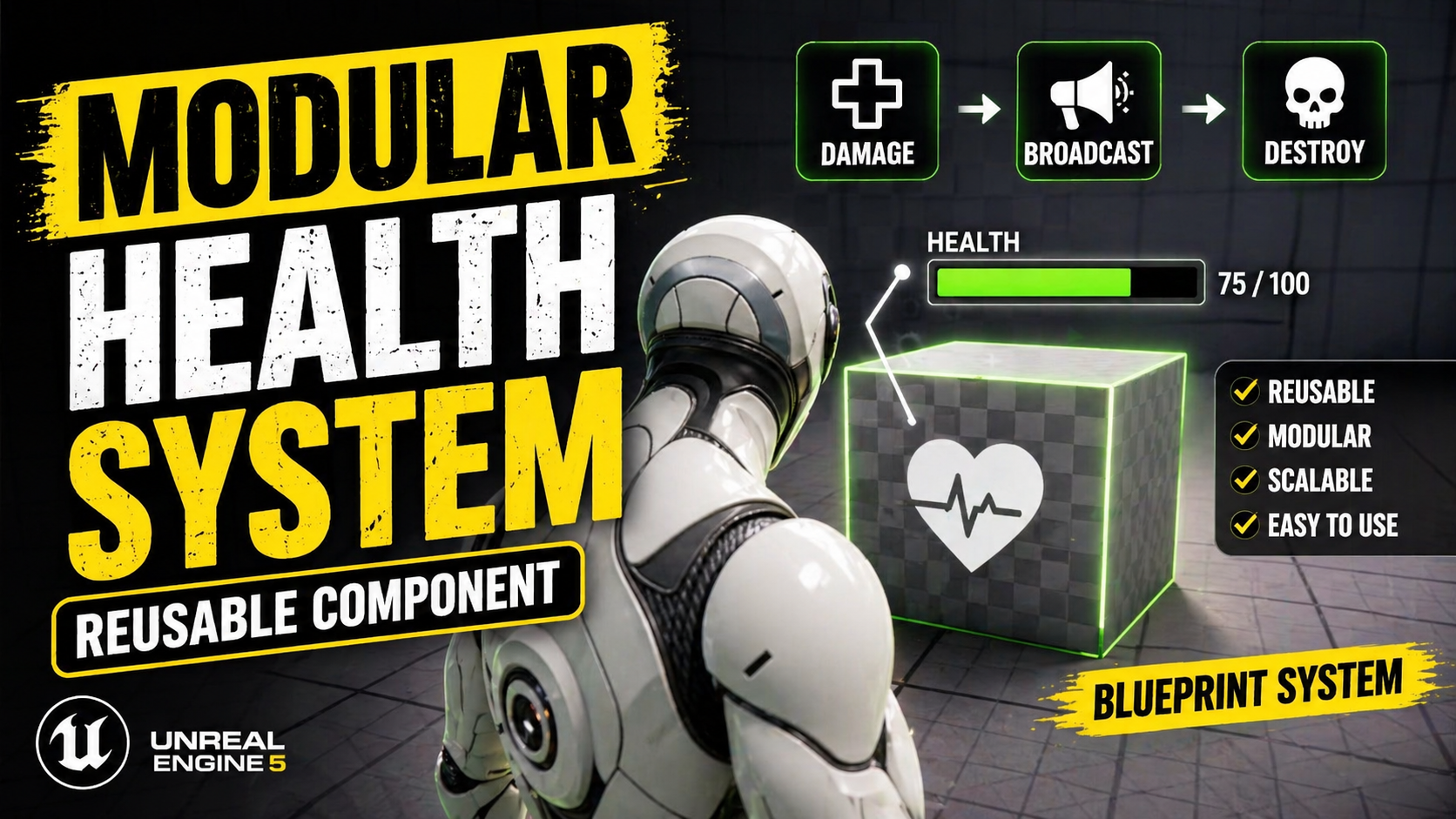
UE5 Modular Health Component
Build a reusable UE5 Health Component with damage clamping, event dispatchers, world space health bars, and clean actor destruction.
-
11
 Continue learning
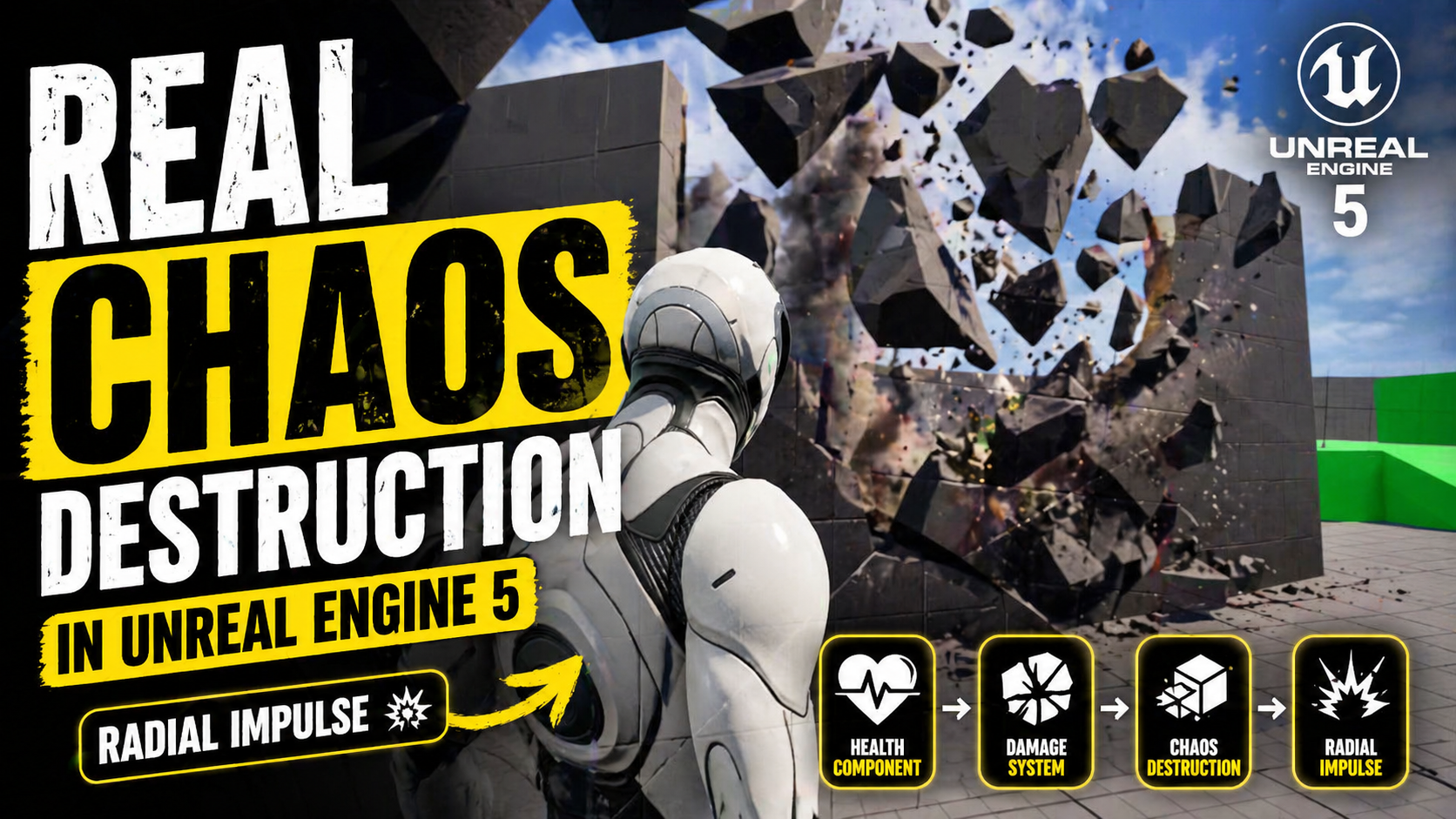
UE5 Chaos Destructible Objects
Learn how to create real Chaos destructible objects in UE5 using Geometry Collections, fracture tools, damage thresholds, radial impulse, and strain.
-
12
 Continue learning
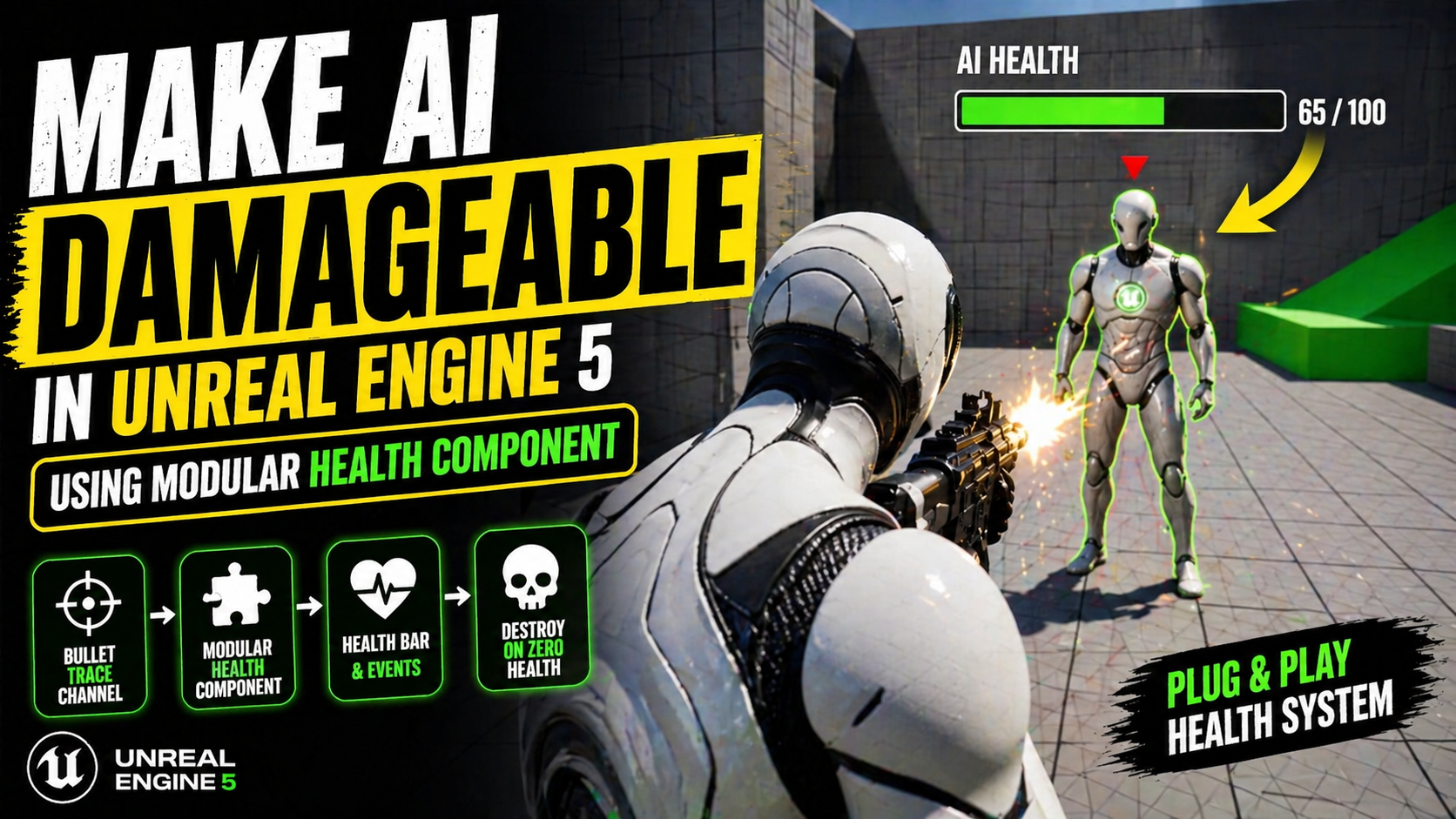
UE5 Damageable AI Health Component
Attach a reusable Health Component to AI in UE5, update a floating health bar, and destroy the enemy cleanly when health reaches zero.
-
13
 Continue learning
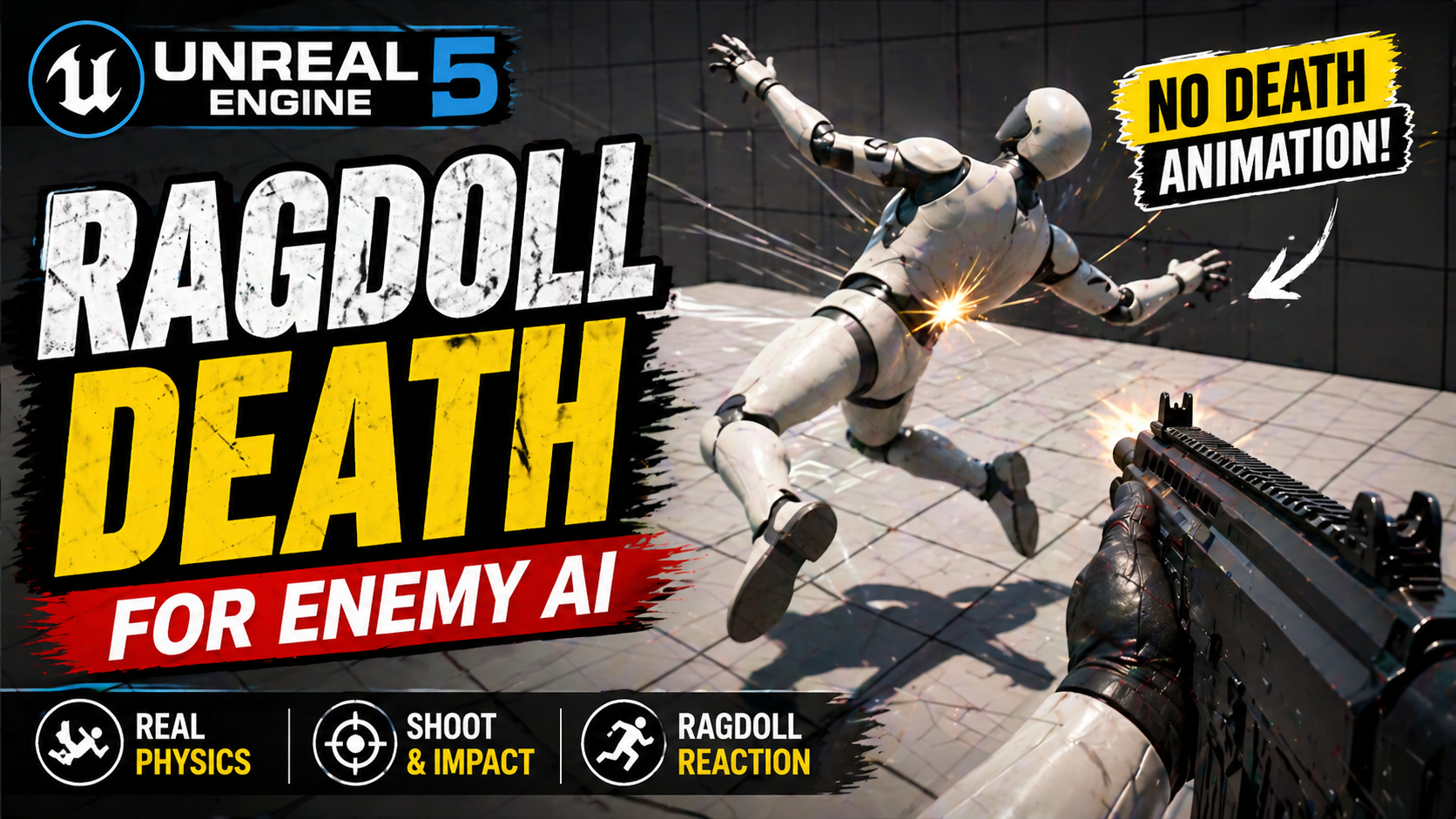
UE5 Ragdoll Death
Create ragdoll death for enemy AI in UE5 using a Physics Asset, ragdoll collision, physics simulation, and clean death Blueprint logic.
-
14
 Continue learning
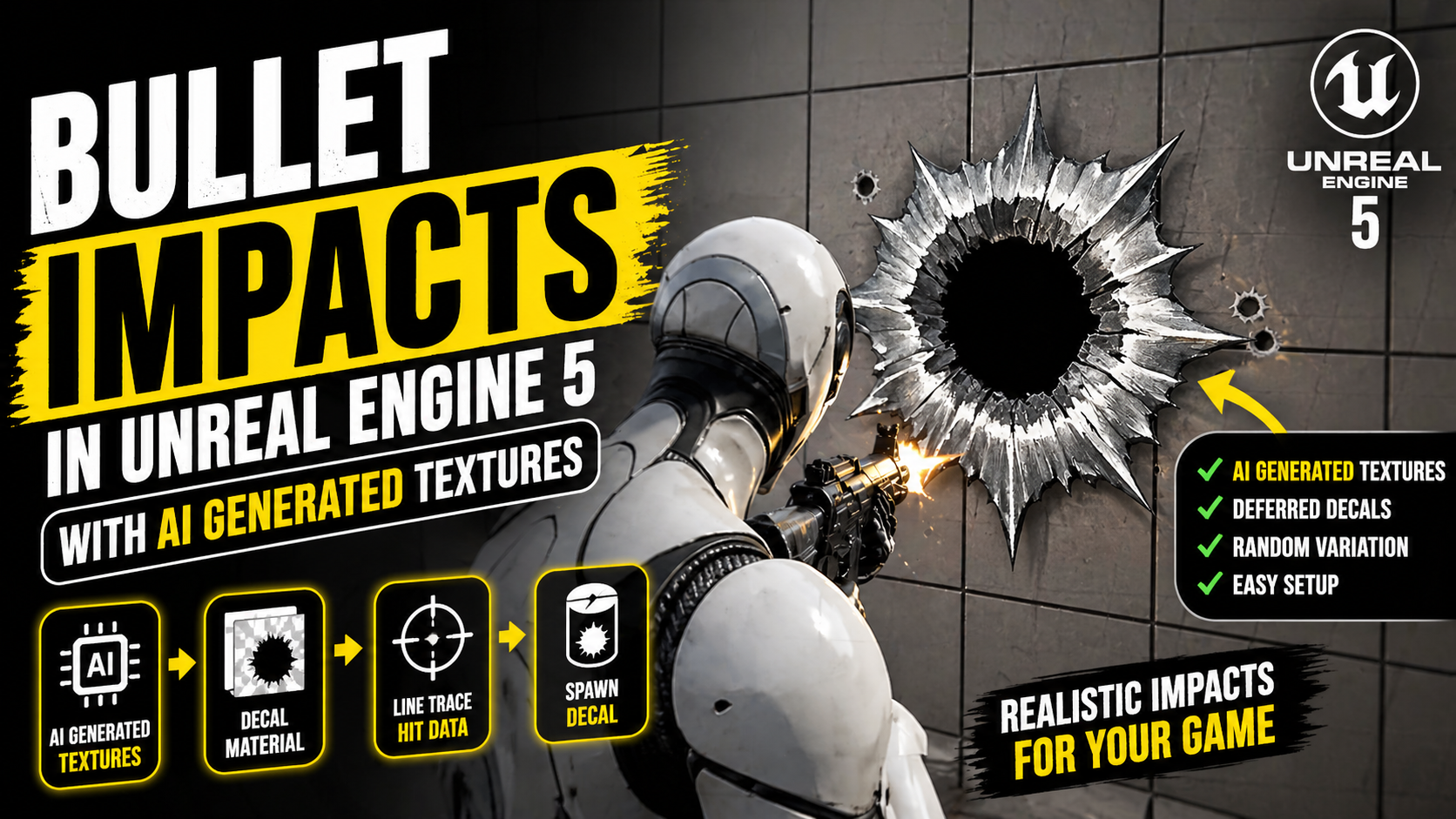
UE5 Bullet Impact Decals with AI Textures
Learn how to create bullet hole impact decals in UE5 using AI-generated textures, decal materials, and line trace hit data for clean and reusable weapon impact visuals.
-
15
 Continue learning
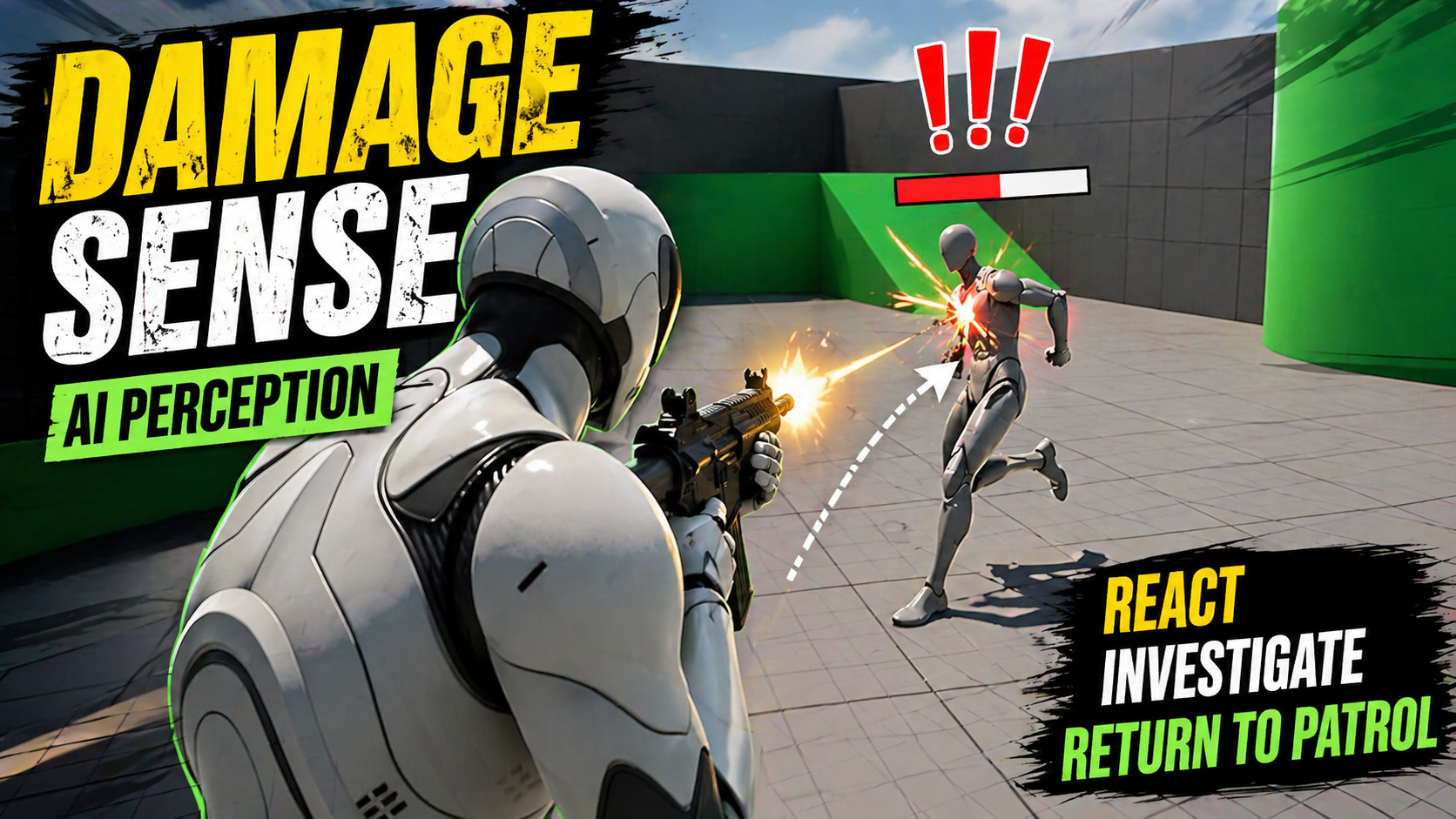
UE5 AI Damage Sense
Make enemy AI react to damage in UE5 using AI Perception Damage Sense, Report Damage Event, tags, AI Controller logic, and a forget-to-patrol flow.