Tutorial collection
Unreal Engine UI Widgets – Complete UMG Widget Series
Learn the core UMG widgets in Unreal Engine 5 with short, focused tutorials. Covers panels, buttons, lists, text, layout, anchors, and practical UI use for HUDs and menus. Great for beginners and devs improving real UE5 UI workflows.
Ordered lessons
Follow the learning path
-
1
 Continue learning
UE5 Dynamic TileView UI
Build a dynamic TileView UI in Unreal Engine 5 using UMG, Blueprints, structs, Blueprint Objects, and runtime data binding for scalable grid-based interfaces.
-
2
 Continue learning
UE5 Glass Blur UI
Create a reusable glass blur UI widget in UE5 using UMG, Background Blur, anchors, sizing, buttons, and a clean main UI setup.
-
3
 Continue learning
UE5 Canvas Panel UI
Learn how to use Canvas Panel in Unreal Engine UMG to position widgets, control anchors, alignment, size, ZOrder, preview modes, and build flexible UI layouts.
-
4
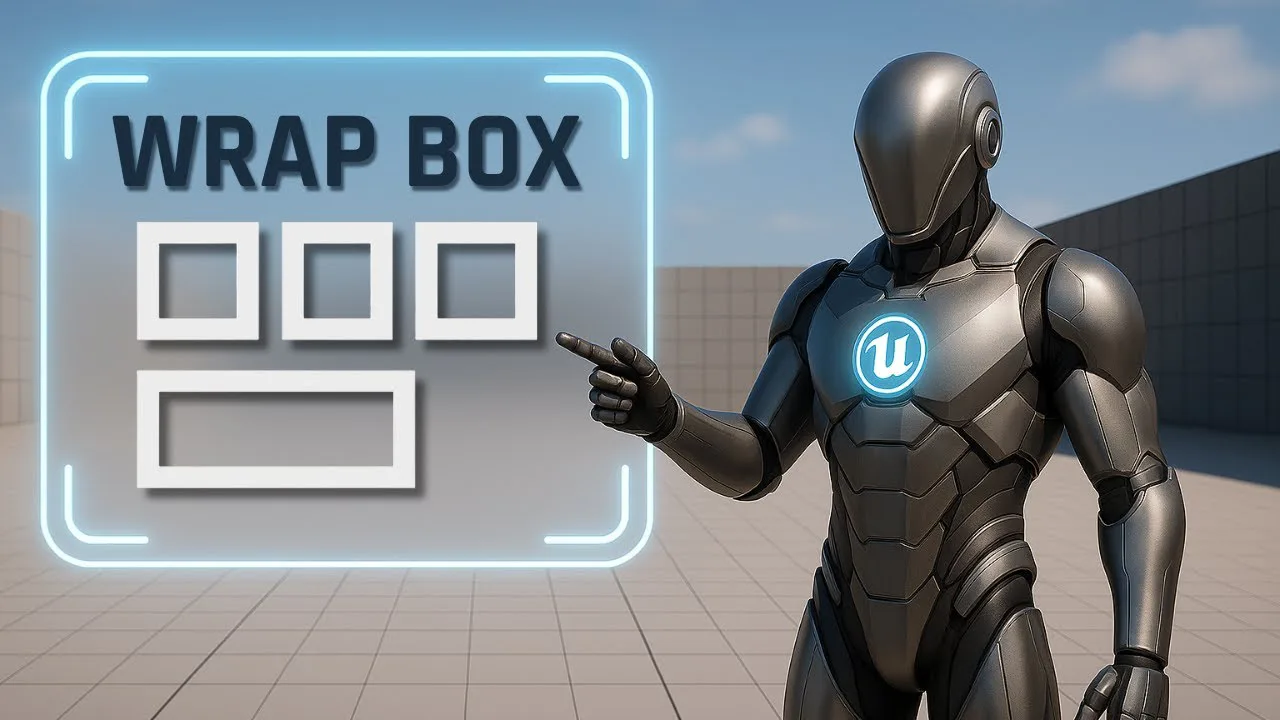 Continue learning
UE5 Wrap Box UI
Learn how to use the Wrap Box widget in Unreal Engine UMG to create responsive UI layouts for inventories, achievement panels, item grids, and dynamic menus.
-
5
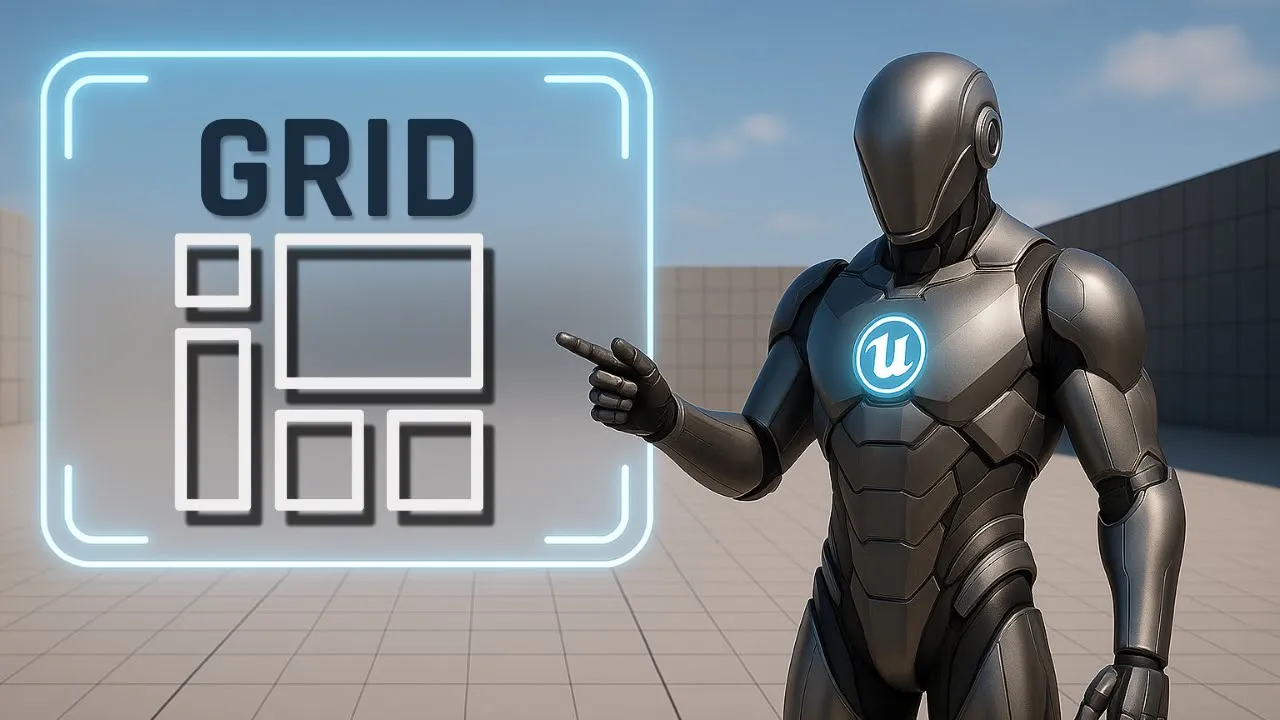 Continue learning
UE5 Grid Panel UI
Learn how to use the Grid Panel in Unreal Engine UMG to build structured UI layouts with rows, columns, layers, row span, column span, and precise widget positioning.
-
6
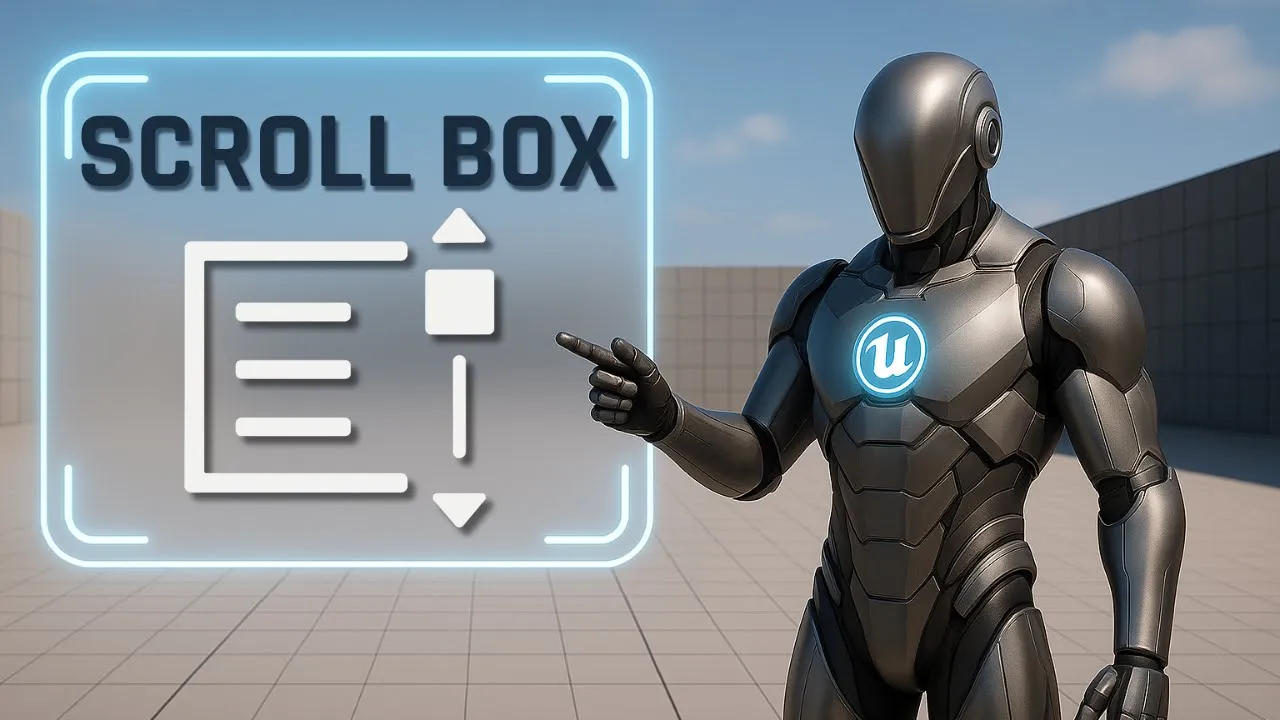 Continue learning
UE5 Scroll Box UI
Learn how to use the Scroll Box widget in Unreal Engine UMG to build scrollable menus, lists, inventories, chat windows, and dynamic UI panels.
-
7
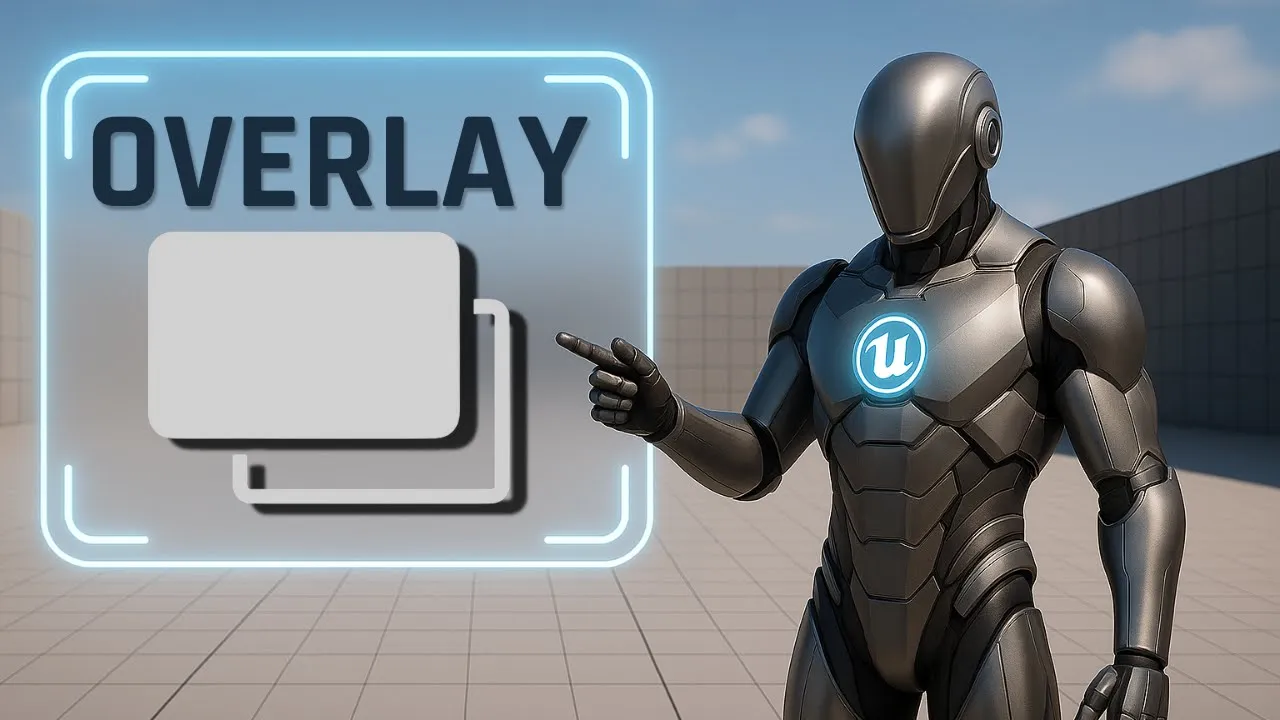 Continue learning
UE5 Overlay UI Cards
Learn how to use the Overlay widget in Unreal Engine UMG to build layered UI cards with background images, transparent panels, aligned text, and clean widget stacking.
-
8
 Continue learning
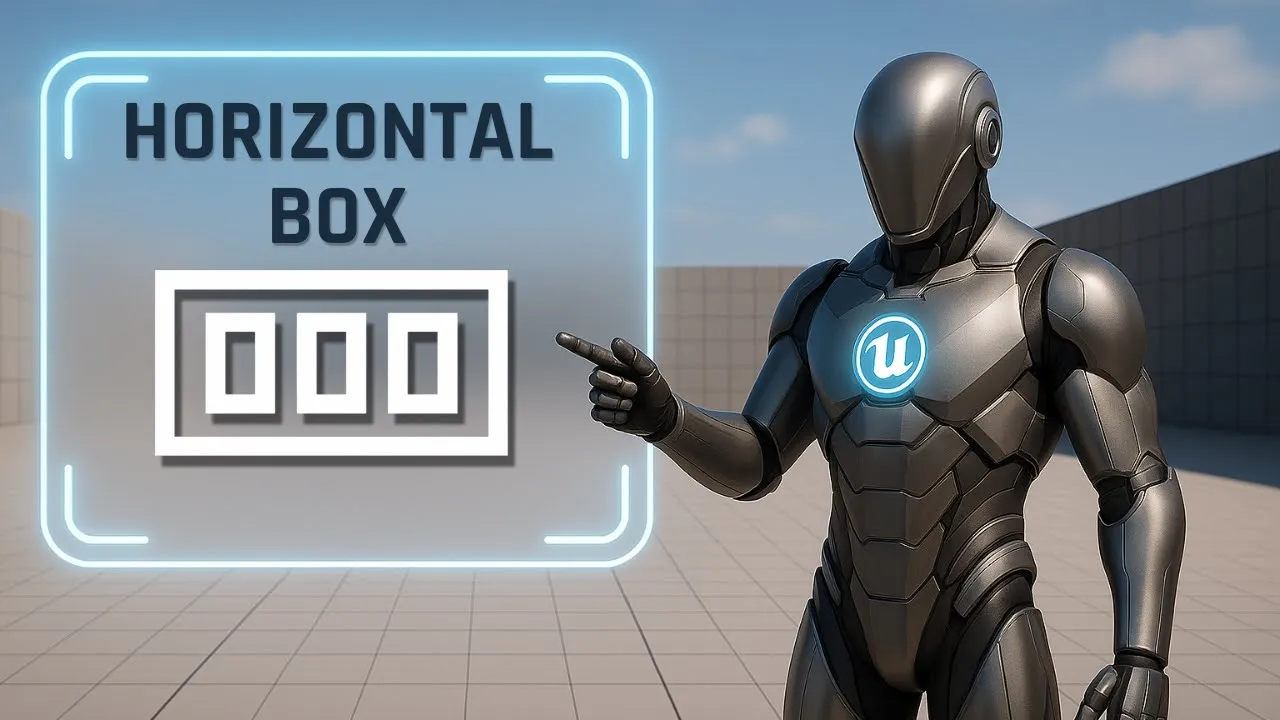
UE5 Horizontal Box UI
Learn how to use Horizontal Box in Unreal Engine UMG to build clean row layouts, equal columns, centered text, Fill and Auto sizing, and nested UI structures.
-
9
 Continue learning
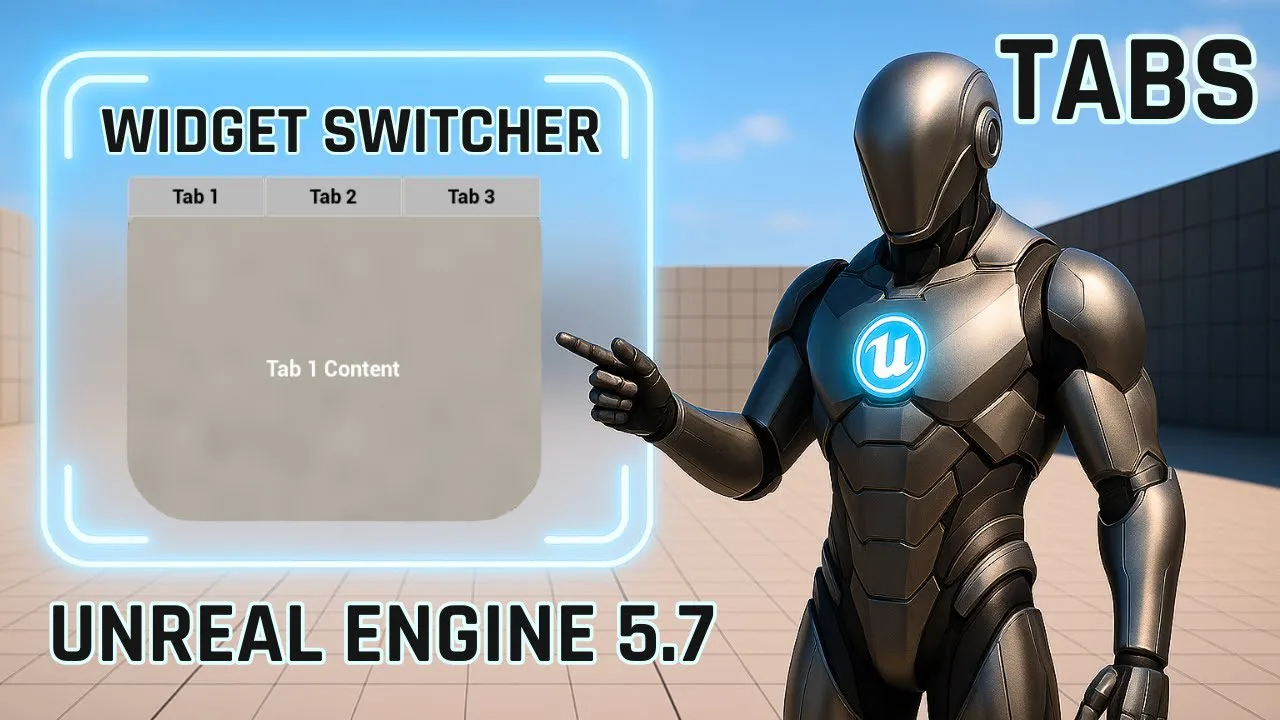
Widget Switcher Tabs in Unreal Engine 5
Learn how to create a clean reusable tab menu in Unreal Engine 5.7 using UMG and the Widget Switcher. Build a glass-style UI panel, add tab buttons, switch between multiple pages, and control everything with simple Blueprint logic.
-
10
 Continue learning
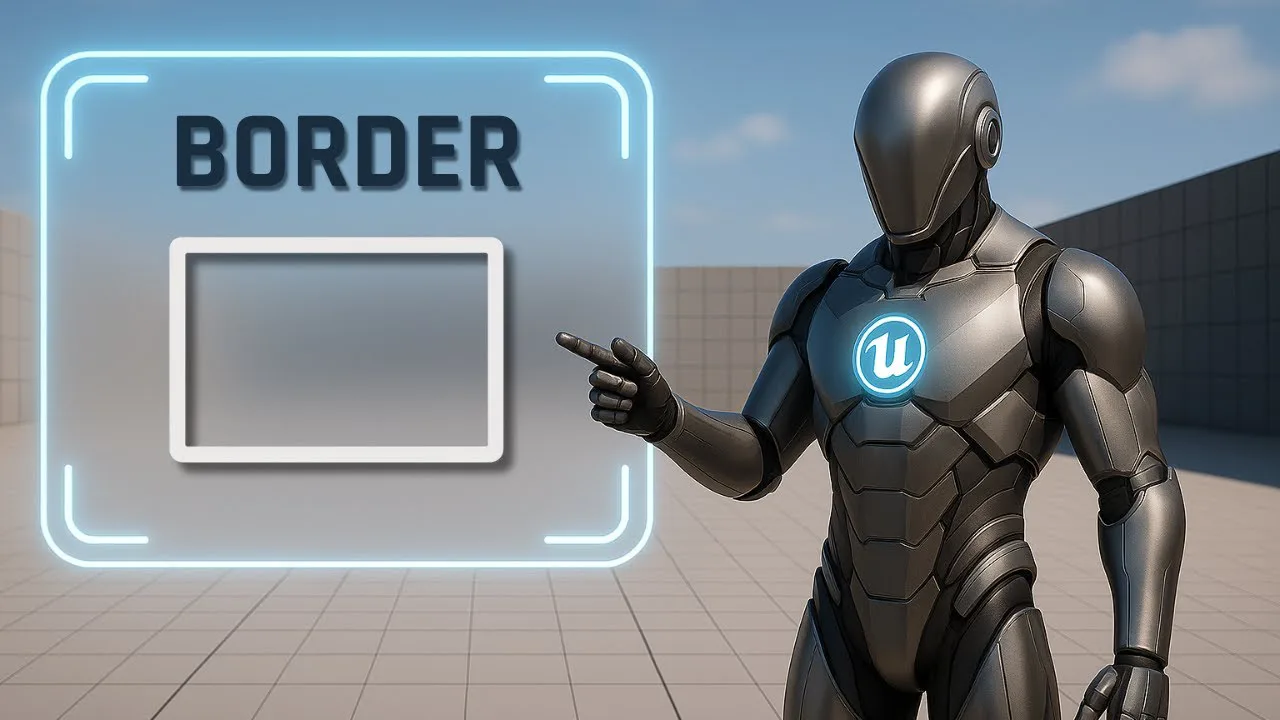
UE5 Border Widget UI
Learn how to use the Border widget in Unreal Engine UMG to wrap content, add padding, style UI blocks, and combine it with Overlay for clean reusable panels.
-
11
 Continue learning
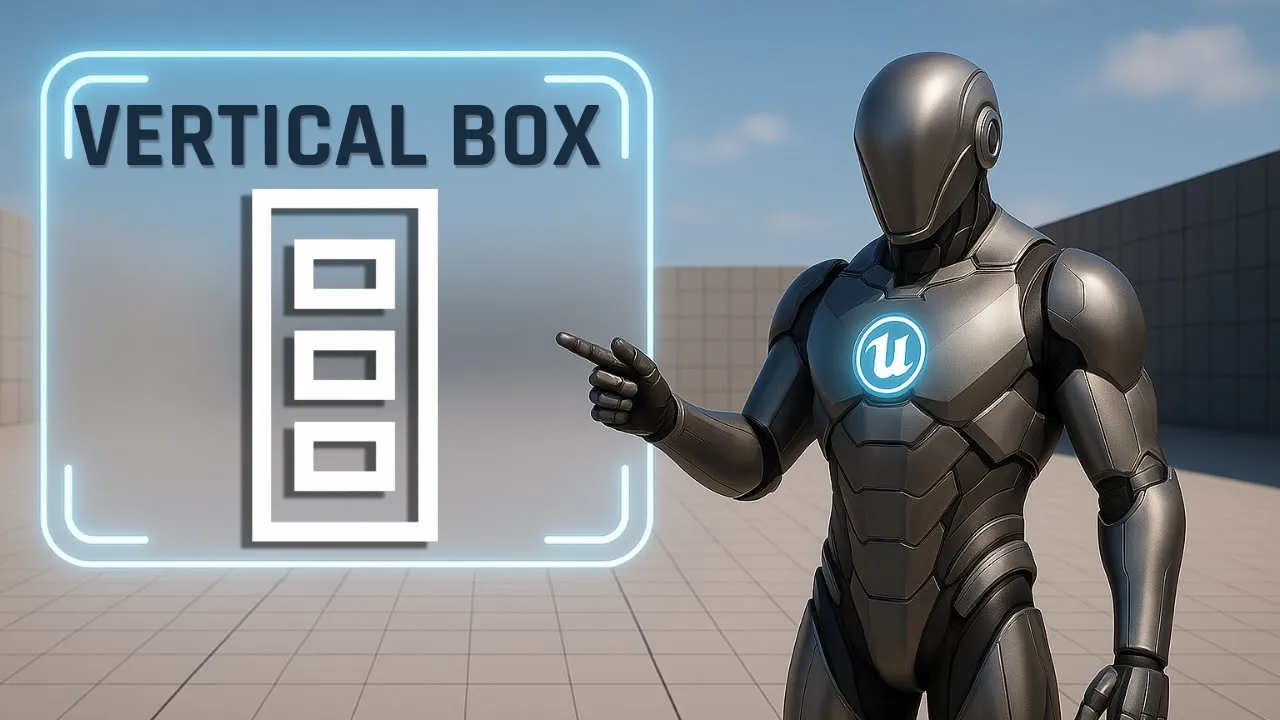
UE5 Vertical Box UI
Learn how to use Vertical Box and Horizontal Box widgets in Unreal Engine UMG to build clean stacked rows, centered layouts, fill-based spacing, and reusable UI structures.
-
12
 Continue learning
UE5 Uniform Grid UI
Learn how to use the Uniform Grid Panel in Unreal Engine UMG to create clean row and column layouts for menus, icon grids, inventories, and UI dashboards.